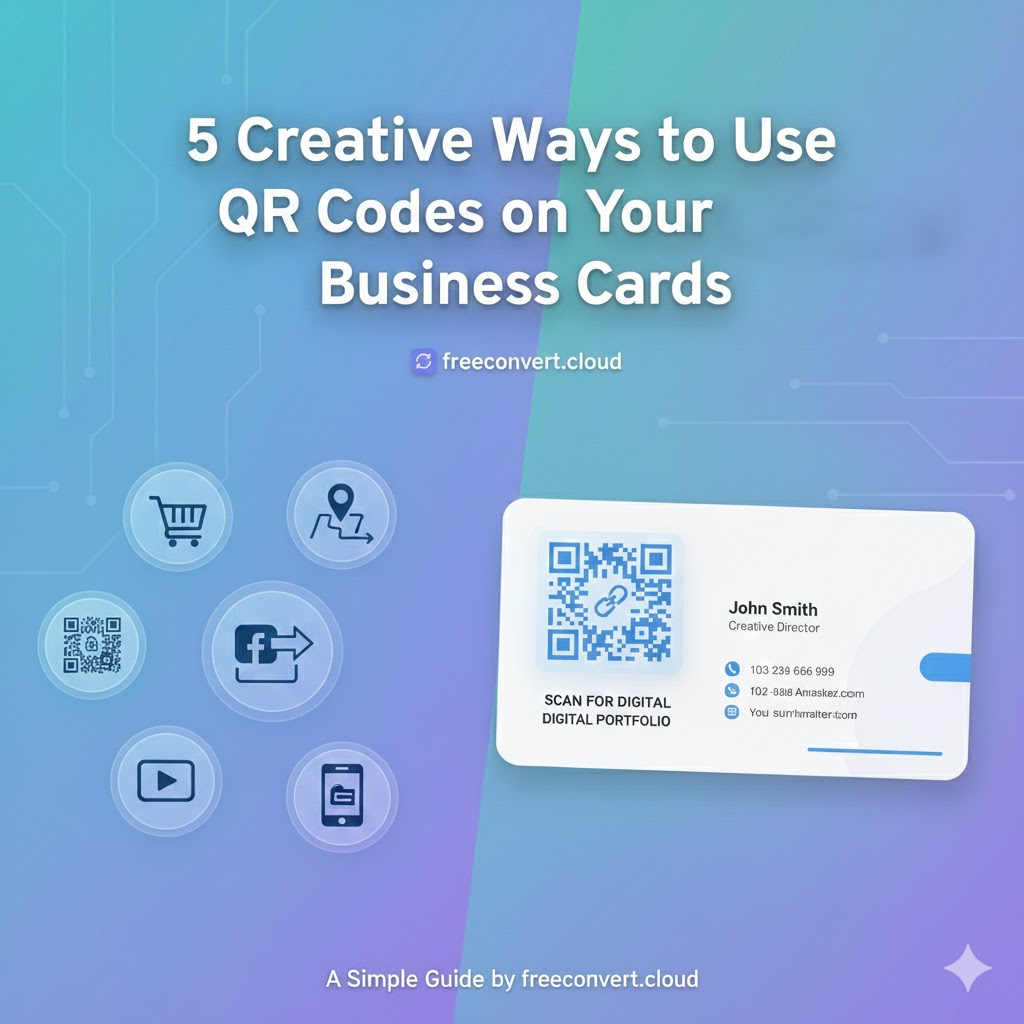
The traditional business card is struggling to keep up. You have a limited amount of space—usually just 3.5 x 2 inches—to tell people who you are, what you do, and how to reach you.
In 2025, adding a QR Code to your business card is the smartest way to bridge the gap between paper and digital. It keeps your card clean and uncluttered while giving your new contacts instant access to everything they need.
Here are 5 creative ways to use a QR code to upgrade your networking game.
1. The “Instant Contact” (vCard)
This is the most popular use case for a reason. Usually, when you hand someone a card, they have to manually type your name and number into their phone later. Most people lose the card before they ever do this.
A vCard QR Code solves this. When scanned, it automatically prompts the user to “Add to Contacts” on their phone. It pre-fills your name, email, phone number, and website. They save you in one tap.
2. Link to Your Portfolio
If you are a graphic designer, photographer, or architect, a paper card can’t show your work. Instead of cluttering your card with a long URL like mywebsite.com/portfolio/2025-work, just add a QR code.
Label it “Scan to see my work” and link it directly to your online gallery. It turns a static piece of paper into an interactive experience.
3. Direct Social Media Follow
Are you an influencer, a brand consultant, or a small business that thrives on Instagram or LinkedIn?
Create a QR code that links directly to your profile.
- For LinkedIn: It helps you connect professionally right on the spot.
- For Instagram: It helps you gain a follower immediately, rather than hoping they search for your handle later.
4. Appointment Booking
If you are a consultant, hair stylist, or therapist, the goal of a business card is to get a booking.
Don’t make them call you. Link your QR code directly to your Calendly or booking page. A clear call-to-action like “Scan to Book Your Free Consultation” creates a frictionless path from meeting you to hiring you.
5. Google Maps Location
Do you have a physical store, restaurant, or office that is hard to find?
Create a QR code using your Google Maps link. When a customer scans it, their GPS app opens instantly with directions to your front door. This is perfect for appointment cards or flyers.
Design Tip: Size Matters
When adding a code to a business card, size is critical.
- Don’t go too small: We recommend a minimum size of 0.8 x 0.8 inches (2 x 2 cm).
- Keep it high contrast: A black code on a white background scans best.
- Test it: Always print a test copy on regular paper and try scanning it before you order 500 cards!
Ready to Modernize Your Card?
You don’t need a designer to do this. You can create a high-resolution code for your website, vCard, or portfolio right now.
👉 Create your free QR Code here to get started.
Leave a Reply