
⚡ THE FASTEST RESIZER
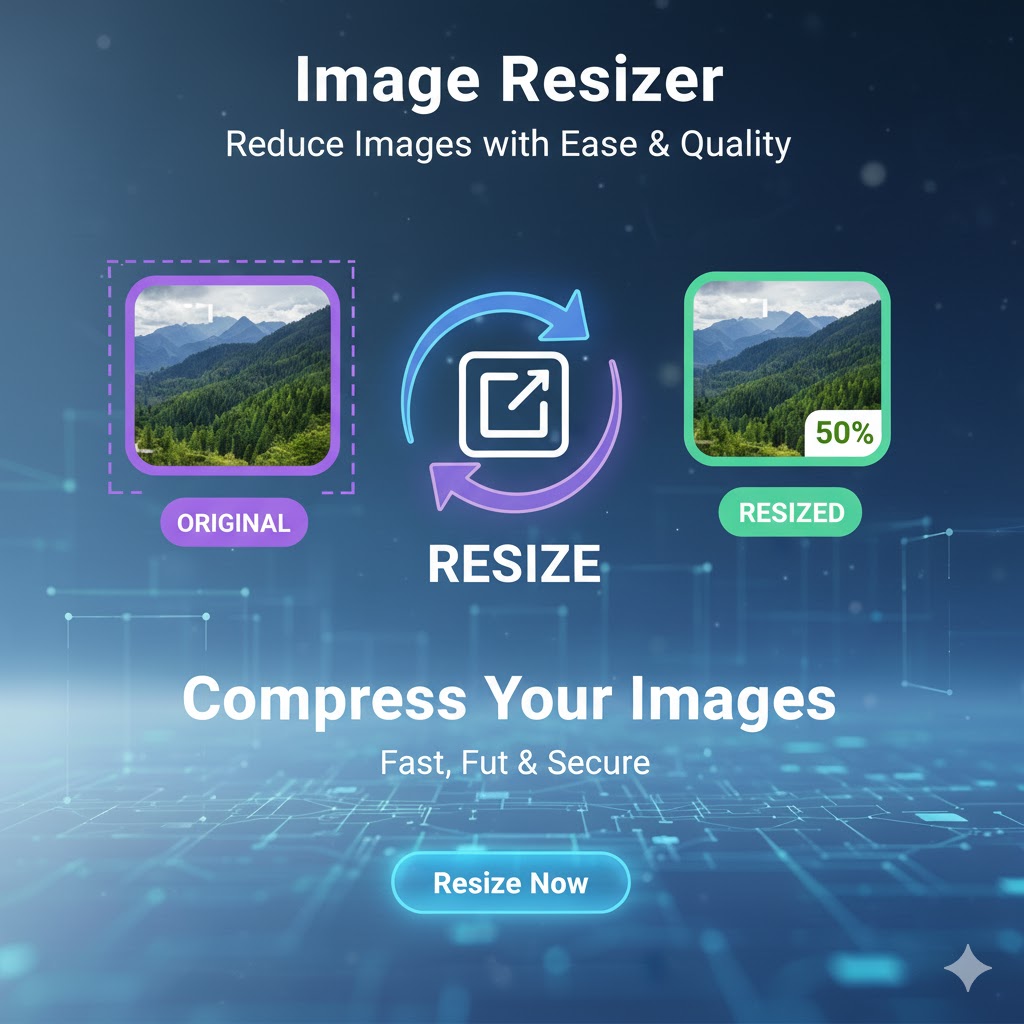
Easily resize your PNG, JPG, and WebP images to any dimensions. Our free online tool delivers fast, high-quality, and secure image resizing. Powered by freeconvert.cloud.
No credit card required. Experience fast & free resizing.
Upload your image to resize it to your needs.
your_image.png
1920x1080
your_image.png
800x600 (Resized)
Easily resize your images by percentage or exact dimensions (pixels).
Original: --- x ---
Your resized preview will appear here
New: --- x ---
Upload Your Image: Click the “Upload” button or drag and drop your JPG, PNG, or GIF file into the image resizer.
Enter New Dimensions: Type your new, desired width or height (in pixels) into the boxes.
Keep Aspect Ratio (Recommended): Make sure the “Keep Aspect Ratio” box is checked. This way, if you only enter the width, the height will update automatically to prevent your image from being stretched or squished.
Click “Resize” & Download: Hit the “Resize” button. Your new image will be processed and ready to download in seconds.
In a digital world, one size never fits all. The high-resolution photo from your camera is the wrong size for your blog, and the banner for your website is the wrong shape for your Twitter profile. This is why a fast, high-quality image resizer is one of the most essential tools for any web user.
It’s important to understand that resizing is not the same as cropping. Cropping cuts away a part of your picture to change the focus. An image resizer, on the other hand, shrinks or stretches the entire picture to new dimensions.
Many online tools are clunky, slow, or make your image look blurry. Our image resizer is built to be a professional, high-fidelity tool that’s still simple enough for a beginner. We give you precise, pixel-level control to change image dimensions to your exact specifications. Best of all, it’s 100% free, with no watermarks or sign-ups.
Our “Keep Aspect Ratio” feature is the key to a professional-looking resize. When checked, it ensures your image never gets distorted. You can confidently resize a JPG photo from your camera (e.g., 4000px wide) down to a web-friendly 1200px wide, and our tool will automatically calculate the correct height so your photo doesn’t look “squished.”
Web Developers: Get images to the exact dimensions needed for a design.
Bloggers: Resize images to fit your blog’s content width, improving page speed.
Social Media Users: Resize a picture for a Twitter header, Facebook cover, or LinkedIn banner.
Everyone: Make a photo smaller to fit email attachment limits.
A collection of tools for editing, converting, and analyzing images

Our mission is to provide the best free, fast, and simple online conversion tools. Convert your images, documents, videos, and more with just a few clicks, right in your browser.
© 2025 freeconvert.cloud - All Rights Reserved.