⚡ THE FASTEST CROPPER
Easily crop your PNG, JPG, and WebP images to any dimensions. Our free online tool delivers fast, high-quality, and secure image cropping. Powered by freeconvert.cloud.
No credit card required. Experience fast & free cropping.
Upload your image to crop it to your needs.
your_image.png
1920x1080
your_image.png
800x600 (Cropped)
Upload an image and drag to select the area you want to crop.
Your cropped preview will appear here
Learn about the benefits of our free image cropper and how to get the perfect frame.
Get the exact composition you want. Our free online image cropper gives you pixel-perfect control to frame your subject. You can drag the handles freely to cut out distracting backgrounds or lock the selection to a specific image aspect ratio (like 1:1 Square or 16:9 Widescreen). This ensures your photo is perfectly sized for Instagram, YouTube, or any platform, with your subject right in focus.
Worried about your image getting blurry? Don’t be. Cropping is not the same as resizing or compressing. Our tool performs a lossless crop, which means it simply cuts the image to the new dimensions you’ve selected. The pixels inside your cropped area remain 100% identical to the original file, so there is zero quality loss. You get a smaller, better-framed picture with the same sharpness.
Your privacy is our top priority. We know your images are personal. Our image cropper is 100% secure and private. All files are transferred over an encrypted (HTTPS) connection, and we automatically delete all uploaded and cropped files from our servers after one hour. We never look at, copy, or share your files. You can crop your photos with total peace of mind.
This tool is built for everyone. You don’t need expensive software like Photoshop or any technical training. freeconvert.cloud works entirely in your browser on any device, including your computer, tablet, or smartphone. There is nothing to download or install. You can crop a JPG, crop a PNG, or crop a GIF in just a few clicks, completely free, every time.
Using our tool is incredibly fast and simple. You can change your JPG to a PNG in just three simple steps:
In today’s visual world, a picture is rarely a “one-size-fits-all” asset. The photo you take with your camera is almost never the perfect size for your Instagram post, your YouTube thumbnail, or your website’s header. This is where our free online image cropper becomes an essential tool.
It’s the fastest way to cut an image online without opening heavy, complicated software. Unlike a resizing tool (which simply shrinks your entire photo), a cropper lets you re-frame your subject, change the composition, and focus on what truly matters. Whether you need to fix the framing, remove a distracting background element, or change the entire shape of your photo, this tool gives you pixel-perfect control. It’s the most important step for professional-looking images.
Our versatile tool is designed to handle all of the most common image formats you use every day.
Crop JPG (JPEG): Have a beautiful, high-resolution photo saved as a JPG? Use our tool to crop JPG files to improve their composition. You can trim away empty sky, focus on a person’s face for a profile picture, or cut out a distracting photobomber. It’s the best way to get a perfect snapshot from a larger photo.
Crop PNG: PNG files are often used for logos, icons, and graphics that require a transparent background. Our tool is smart enough to let you crop PNG images while fully preserving their transparency. This is perfect for designers who need to trim extra, empty pixel space around a logo or icon, making it easier to place on a website.
Crop GIF: Animated GIFs are a core part of web culture, but they can be tricky to edit. Our free image cropper makes it simple. When you crop a GIF, our tool intelligently applies the exact same crop to every single frame of the animation. This ensures your final, downloaded GIF is perfectly framed and plays smoothly without any jittering or misalignment.
Don’t just guess the size. The key to a great-looking post is using the correct image aspect ratio. Our tool makes this easy.
Know Your Destination: First, know where your image is going. Do you need a 1:1 square for an Instagram profile? A 16:9 widescreen for a YouTube thumbnail? Or a 9:16 vertical image for an Instagram Story?
Upload Your Image: Drag your photo into the cropper.
Select Your Aspect Ratio: Instead of dragging the corners freely, select your desired image aspect ratio from our presets (e.g., “1:1 Square”). This will lock the cropping box into the perfect shape.
Re-frame Your Subject: Now, simply click and drag the locked box to find the best composition. Make sure your subject is well-centered or follows the “rule of thirds” for a professional look.
Crop and Download: Hit the “Crop Image” button. Your new picture will be perfectly formatted and ready to upload to any platform.
n a world of expensive software subscriptions and complicated apps, finding a simple, high-quality tool to crop image for free can be frustrating. Many “free” tools are just a trial for a paid product, add an ugly watermark to your picture, or are slow and difficult to use.
Our philosophy at freeconvert.cloud is different. We believe that fundamental tools like an image cropper should be accessible to everyone. Our tool is not a demo, a trial, or a limited version. It is a full-featured, fast, and secure way to crop image for free, every single time. You get all the features you need—from aspect ratio presets to GIF support—without ever being asked for a credit card.
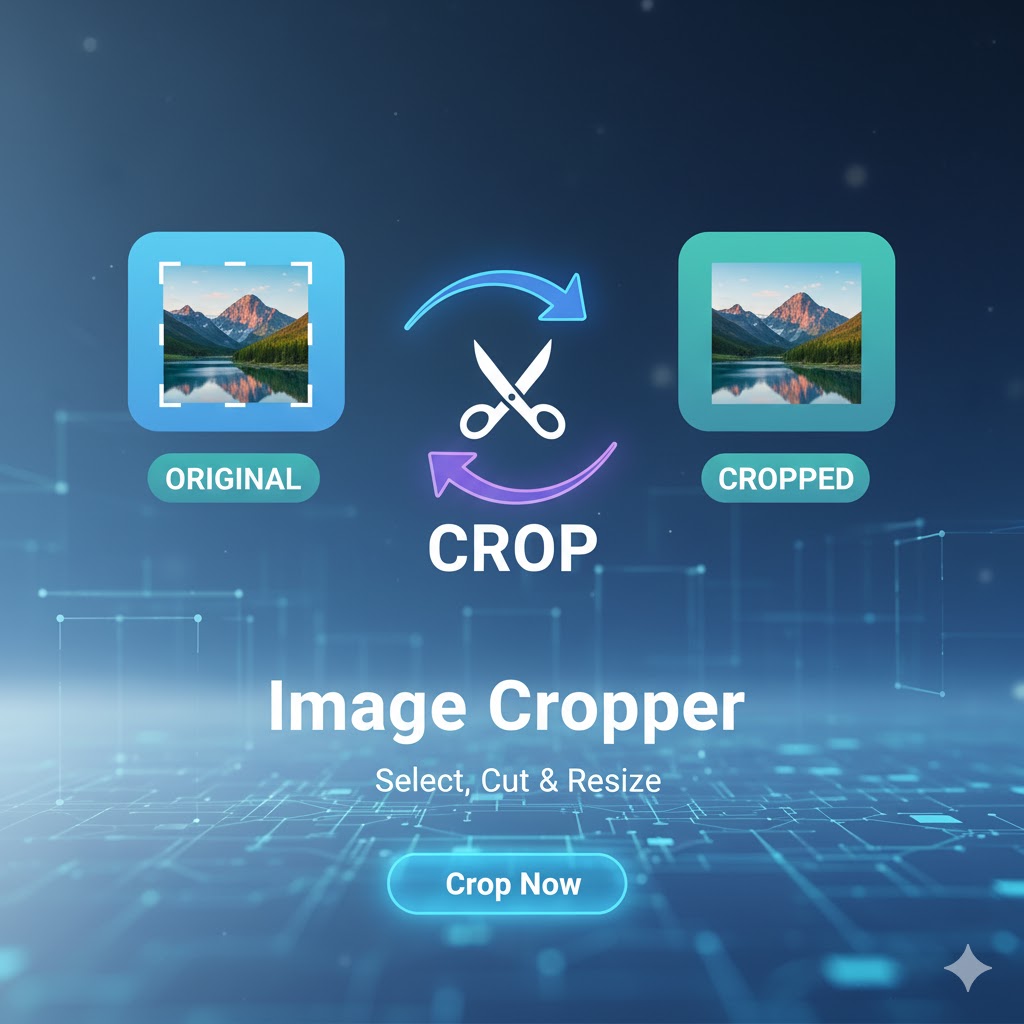
A collection of tools for editing, converting, and analyzing images

Our mission is to provide the best free, fast, and simple online conversion tools. Convert your images, documents, videos, and more with just a few clicks, right in your browser.
© 2025 freeconvert.cloud - All Rights Reserved.