⚡ THE FASTEST CONVERTER
Stop struggling with incompatible image formats. Our free online tool delivers high-quality, fast, and secure PNG to JPG conversions right out of the box. Optimized for speed and quality. Powered by freeconvert.cloud.
No credit card required. Experience fast & free conversions.
Upload your PNG and get a high-quality JPG.
your_image.png
2.5 MB
your_image.jpg
800 KB (Optimized)
Quickly convert your transparent PNG images to the smaller, universal JPG format.
Your JPG preview will appear here
Learn about the benefits of our free png to jpg
The #1 reason to convert PNG to JPG is to reduce file size. PNGs are “lossless” and can be very large. Our tool converts them to “lossy” JPGs, which intelligently removes tiny bits of data you can’t see. This can shrink your file size by 50-80%, making your JPG perfect for websites, email attachments, and social media posts.
Losing file size shouldn’t mean losing quality. Our PNG to JPG converter uses an advanced compression algorithm. It defaults to a high-quality setting (around 90%) to ensure your new JPG file looks sharp, clear, and vibrant, with no noticeable blurriness or artifacts. You get the small file size of a JPG with the best possible visual quality.
Your privacy is our guarantee. We know your files are important. Every file you upload is transferred over a secure (HTTPS) connection. Our system is fully automated to permanently delete all your files (both the original PNG and the converted JPG) from our servers one hour after conversion. We never look at, copy, or share your files.
This tool is built for everyone. You don’t need any technical knowledge or expensive software. freeconvert.cloud works entirely in your browser on any device, including your computer, tablet, or smartphone. There is nothing to download or install. You can change PNG to JPG in just a few clicks, completely free, every time.
Upload Your PNG: Click the “Upload” button or simply drag and drop your PNG file into the box.
Click “Convert”: Our tool instantly processes your file, changing it from the PNG format to the JPG (JPEG) format using smart compression.
Download Your JPG: Your new, smaller JPG file will be ready to download in seconds.
Whether it’s an image, a document, or a video, our simple 3-step process makes file conversion effortless and free. No downloads, no sign-ups, just instant results.
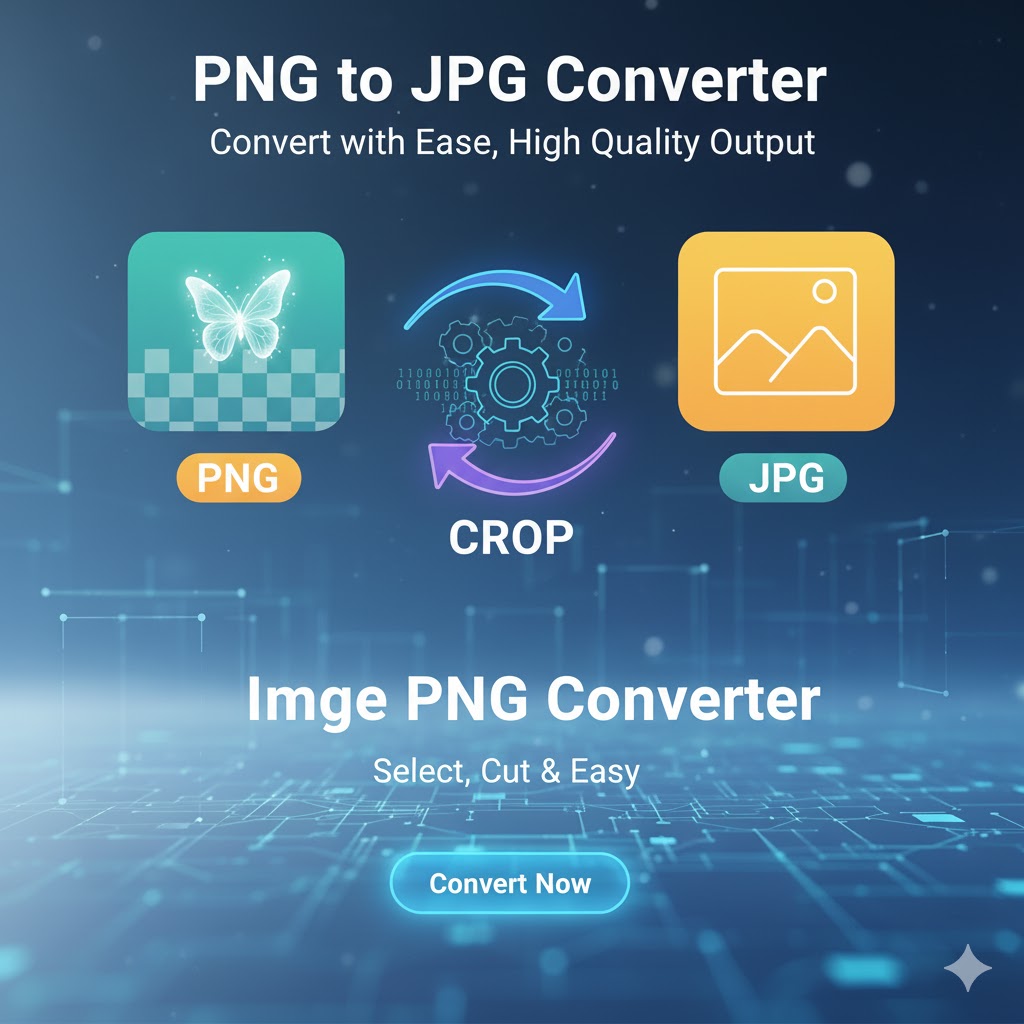
A collection of tools for editing, converting, and analyzing images

Our mission is to provide the best free, fast, and simple online conversion tools. Convert your images, documents, videos, and more with just a few clicks, right in your browser.
© 2025 freeconvert.cloud - All Rights Reserved.